Publish Only Complete and Validated Results
Translated from the Korean original. Read the original
October 2026
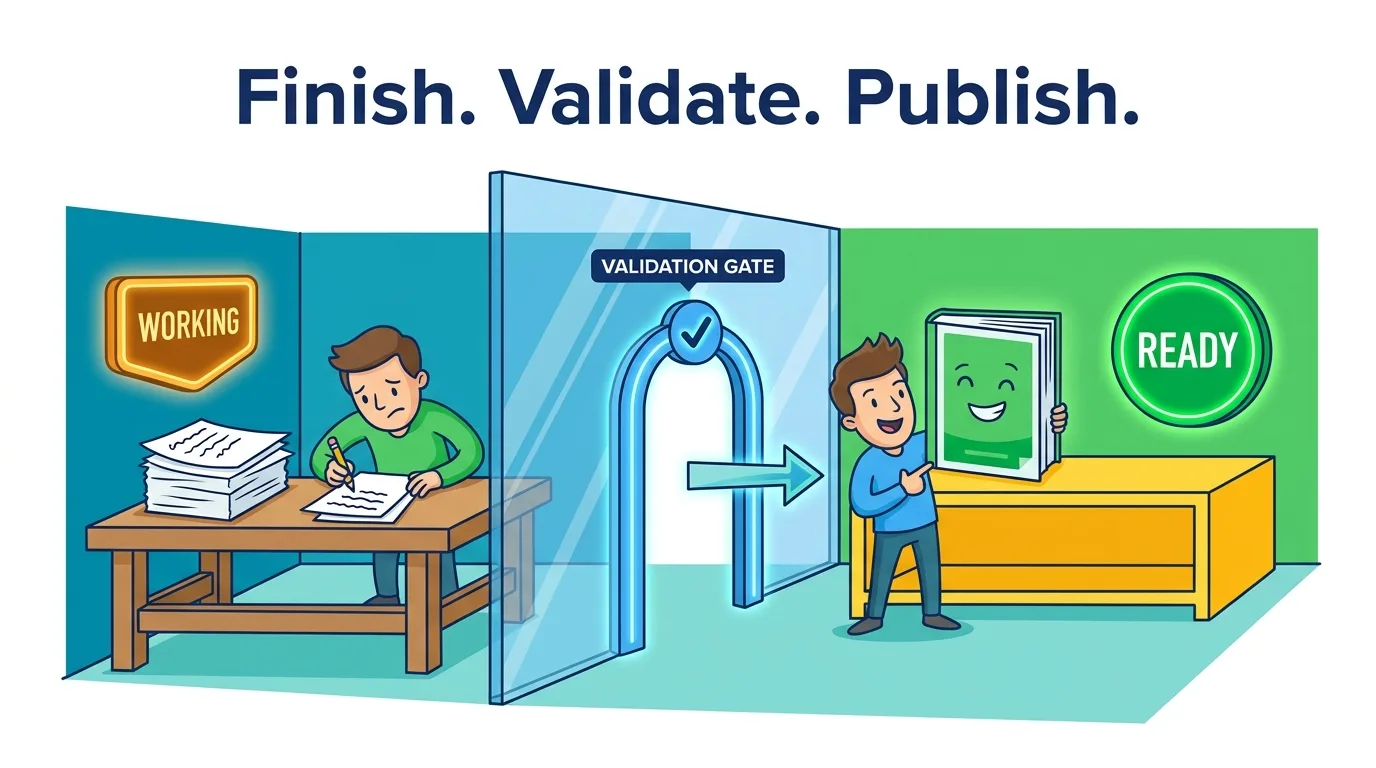
Keep the result you are working on apart from the result people can use, and switch what people see only after the new one has passed its checks.
The half-saved report
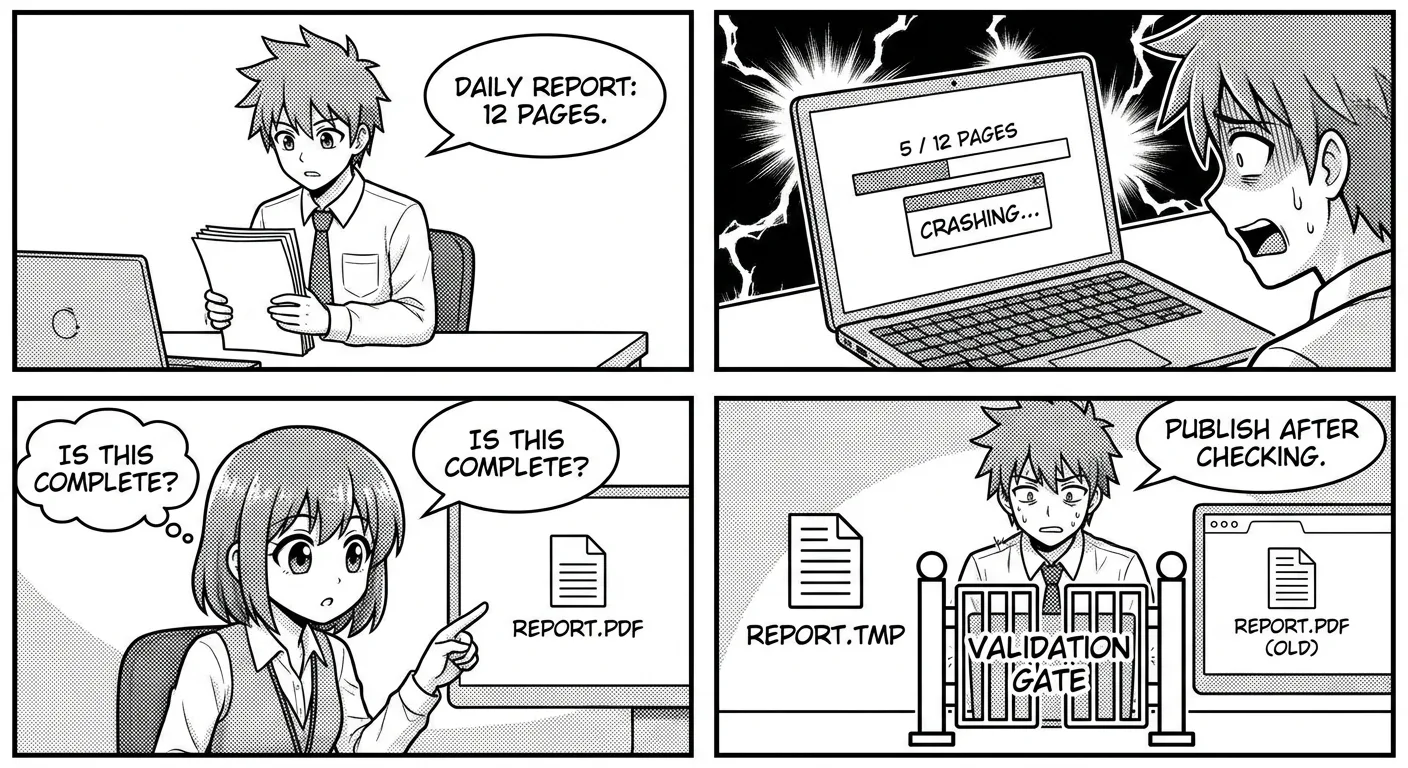
Every morning a script writes a 12-page report to report.pdf. One day it crashes on page 5. The file still has the right name, in the right place, at the right time. A colleague opens it, sees five pages, and treats them as the final version. Nothing in the file says it is unfinished.
The crash is not the problem. Crashes happen. The problem is that the script wrote straight into the file readers open, so a reader could see the work while it was still in progress.
| How the file is written | What a reader sees after a crash halfway through |
|---|---|
| Edit the final file in place | Half a result, or a corrupt file |
| Write a temp file, check it, then swap | Yesterday's complete report |
The second row is not perfect. Yesterday's report is stale. But stale and complete is something a reader can reason about. Half and unlabeled is not.
Two steps: compute, then publish
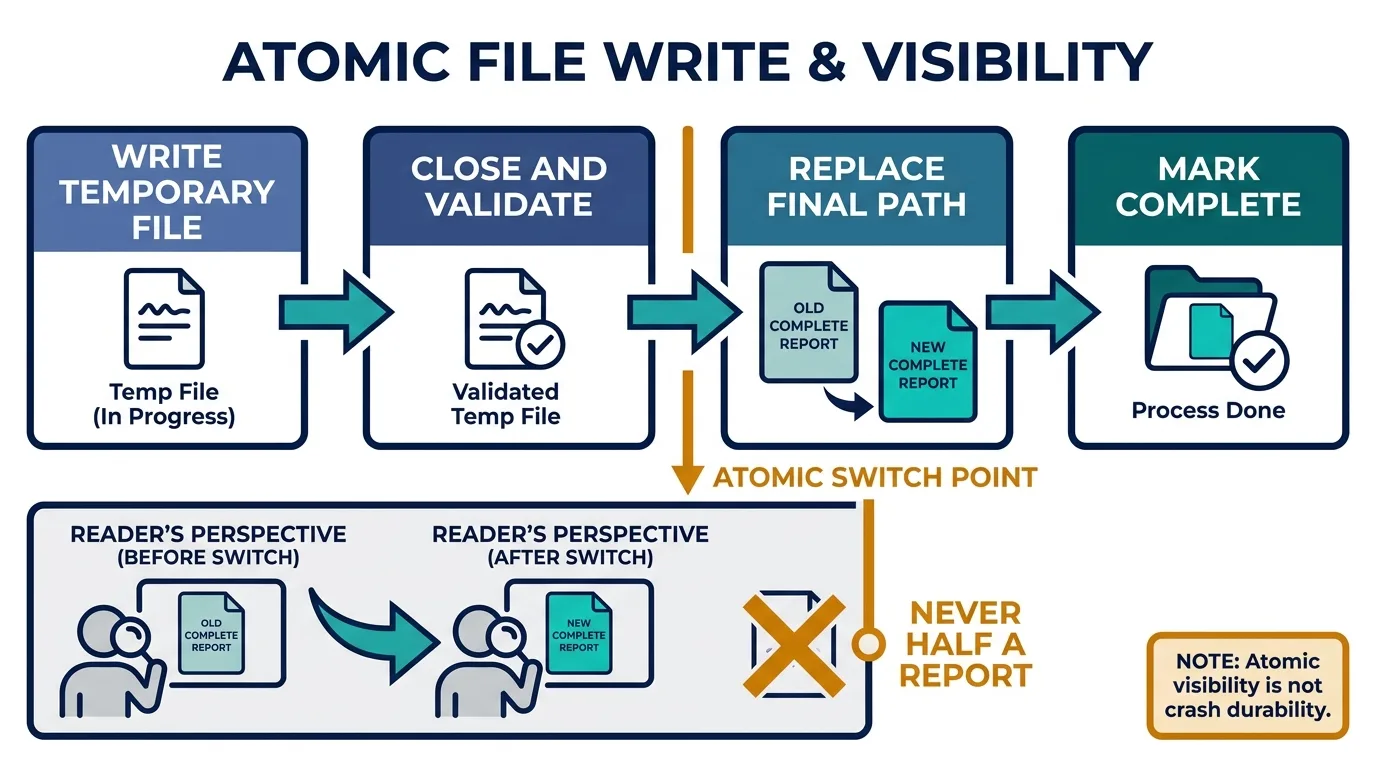
The fix splits one step into two.
- Write the new result to a temporary file on the same filesystem.
- Close the file, read it back, and check it: the format parses, the required sections are there, the counts are what you expected.
- Only if the check passes, replace the final path with the temporary file and record that the run finished.
Python's os.replace renames atomically when it succeeds: a reader who opens the path gets the old file or the new one, never a mix. It can fail across filesystems, which is why step 1 says same filesystem (Python docs).
Two properties are easy to confuse here. Atomicity hides the intermediate state from readers. Durability guarantees the write survives a power cut, and that needs the operating system and the disk to flush in the right order as well (SQLite, Atomic Commit). A rename gives you the first. It does not give you the second on its own.
In code: a work folder and a publish folder
Split the folders. Work and validation happen in work/; analysts read only publish/. If the computation dies or the check fails, publish/ still holds yesterday's complete report.
I see this pattern often at work and use it a lot. It works because cp finishes far faster than the expensive computation before it, so the window in which a half-written file can show is short. Short is not zero, so copy to a temporary name inside publish/, then only rename.
cd publish
cp ../work/report.csv .report.csv.tmp \
  && mv .report.csv.tmp report.csv
def publish(draft, out):
    validate(draft)  # fails: stops here
    tmp = out / f".{draft.name}.tmp"
    shutil.copyfile(draft, tmp)
    os.replace(tmp, out / draft.name)
mvandos.replaceare atomic only within one filesystem. That is why the temporary file lives insidepublish/.
In data pipelines: the medallion architecture
Databricks' medallion architecture is the same idea. Data moves through three layers, gaining quality at each, and analysts read only the last one (Databricks docs).
| This note | Medallion architecture |
|---|---|
Compute in work/ |
Bronze: raw data, ingested as is |
| Validate | Silver: cleaned and validated |
Analysts read only publish/ |
Gold: the tables analysts and BI read |
Rename with os.replace |
Delta commit: readers see the previous version until the transaction finishes |
- Layers alone do not make a write atomic. The layers raise quality step by step; a Gold table never shows up half-written because Delta Lake transactions succeed or fail completely (Databricks ACID).
- So the medallion architecture applies this principle twice: layers for "only what passed moves on", commits for "only what finished is visible".
The same line outside software
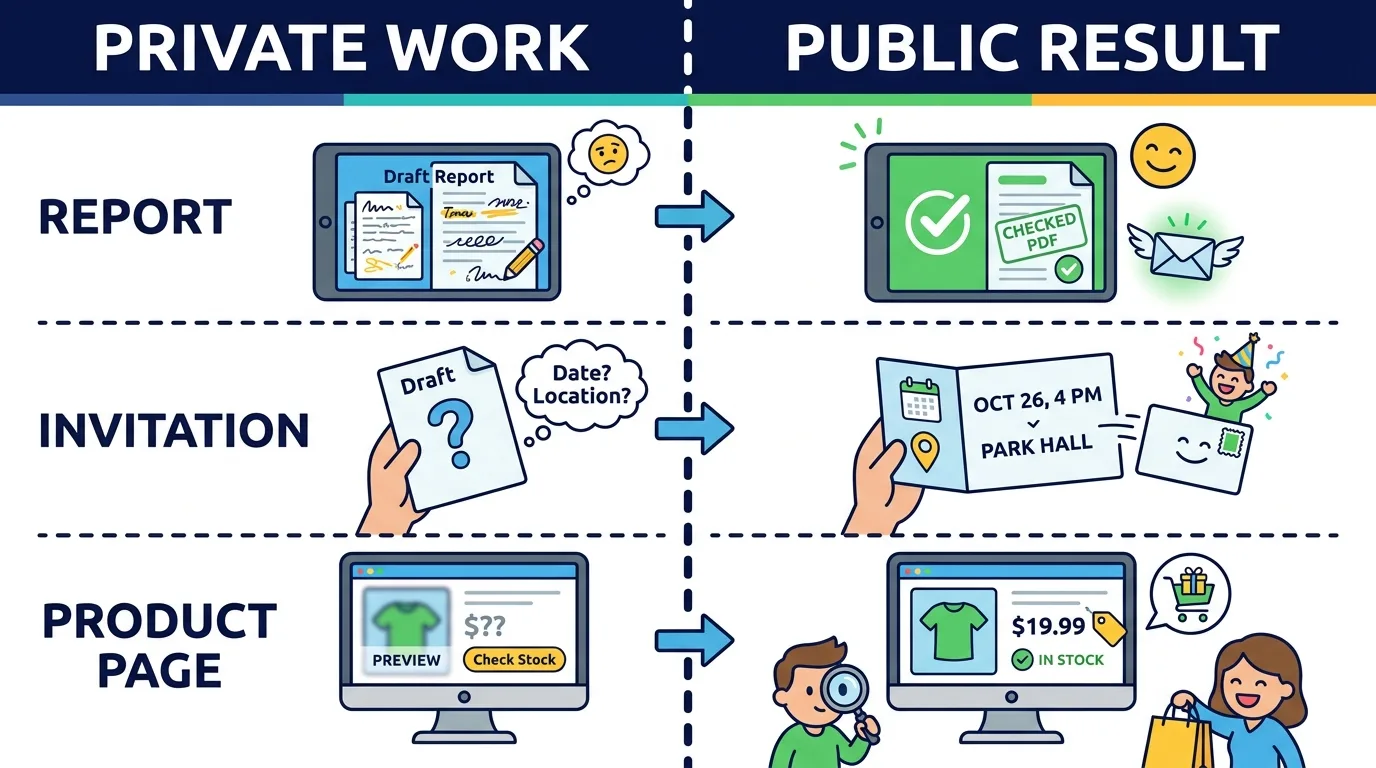
| Field | Work in progress | Condition for going public |
|---|---|---|
| Report | Temporary PDF | Page count and required tables checked |
| Event | Invitation draft | Place and time confirmed |
| Product page | Private edit | Price and stock confirmed |
In each case the maker's progress and the moment the receiver can use the result are two different things. An invitation sent with the time still blank has published the work in progress. The guests now have to ask, and some of them will guess.
Applying it, and where it stops
To check whether a process follows the principle:
- Find every place it writes. Does any of them write directly to the path a reader opens?
- Kill the process at each stage: before the check, just before the swap, just after. Readers should only ever see the previous complete version or the new complete version.
- If one result is several files, swapping them one by one is not atomic as a whole. Write a versioned bundle and flip a single pointer to it, or use a transaction.
The principle has limits:
- It does not stop two writers from overwriting each other. That needs a lock or a version check.
- Streaming output is a different contract. There, the partial state is the point, and the stream needs its own explicit end-of-result signal.
- A check only catches what it checks. A swap guarded by "the file is not empty" will happily publish a file that is not empty and is wrong.
The habit fits in one sentence: never let the reader's path be the place where you work.